From a UPI payment to a reimbursed, GST-captured record.
An employee pays from their own UPI and snaps the bill. OpsPay captures the spend and its GST, a manager reviews and approves, and the reimbursement is recorded — with a full audit trail. Money never passes through OpsPay.
Funds-neutral
We never hold or move your money
GST-ready
Input tax credit captured on each bill
Operator-blind
Per-tenant encryption on your data
Immutable audit
Every decision logged by a DB trigger
The lifecycle
One claim, one clean timeline
A reimbursement moves through a single, auditable path — and a rejected claim isn’t a dead end.
Submitted for review
The employee captures the spend and submits it. It lands in the manager’s queue as money the company owes — the priority bucket.
Reviewed together
Manager and employee discuss the bill and GST in one two-way thread — comments and decisions read as a single history.
Reimbursed in one step
Approving records the reimbursement — by bank transfer, payroll, or on record — and updates the ledger and ITC register.
Rejected with a reason? The employee adds a clearer bill or context and resubmits — it returns to Pending. Nothing is lost.
Capture
Three ways a spend gets in
However your team pays, OpsPay records one clean claim — no expense form.
UPI deep link
OpsPay opens PhonePe, GPay or Paytm with the amount pre-filled; the employee pays and confirms, and the spend is captured.
Share the receipt
Already paid outside the app? Share the receipt into OpsPay; the bill is attached first, then a quick form completes the claim.
Manual entry
No digital trail? Enter the merchant, amount and category by hand and attach a photo of the bill — still fully tracked.
GST & input credit
Every bill, its GST credit
The credit on field spend usually leaks. OpsPay captures it against the claim.
Structured invoice
GSTIN, invoice number, taxable value, CGST/SGST/IGST and per-line HSN/SAC are captured as data — not just a photo.
Reads the bill
Snap the invoice and OpsPay reads the GST fields, flagging an unreadable bill up front so the gap isn't found at return time.
ITC register
Recoverable input tax credit is recorded against each spend, supplier and period — filter by GSTIN or month and export for your return.
Every claim carries its proof
An audit-ready trail for finance and GST — and your data stays operator-blind.
Receipt & GST invoice
The bill, the supplier and the tax breakup — attached to the claim, not lost in a chat.
GPS & references
Where it was captured, the UPI reference, and the time — the context behind each rupee.
Category & project
Tagged to a cost line and a body of work, so field spend shows up in your reports.
Immutable audit log
Every comment and decision is appended to a log no code path can edit — backed by a DB trigger.
Operator-blind data
Per-tenant encryption keeps your invoice and transaction text private — even from OpsPay.
Funds-neutral
The employee pays from their own UPI and you reimburse directly — OpsPay is never in the flow of funds.
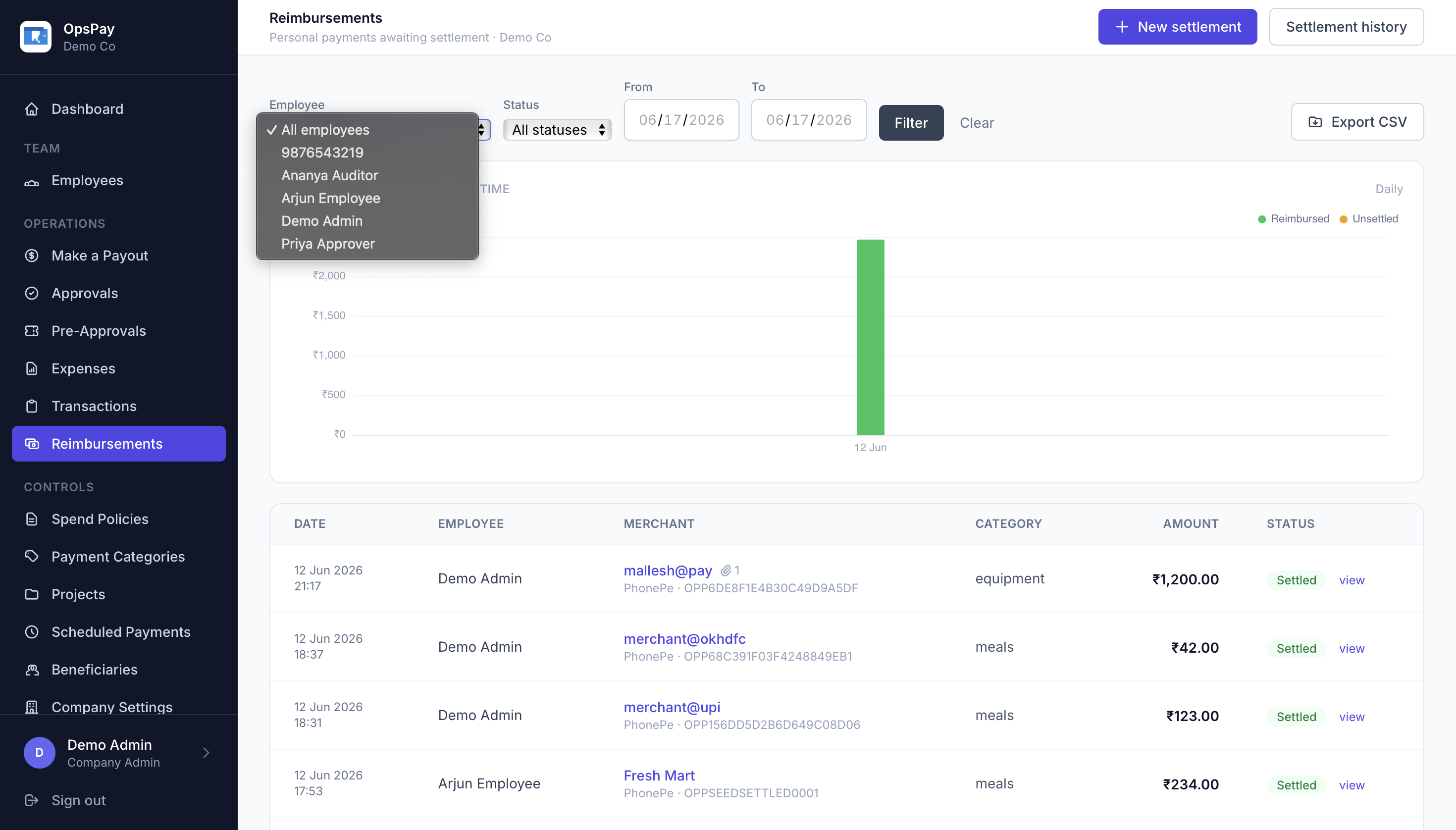
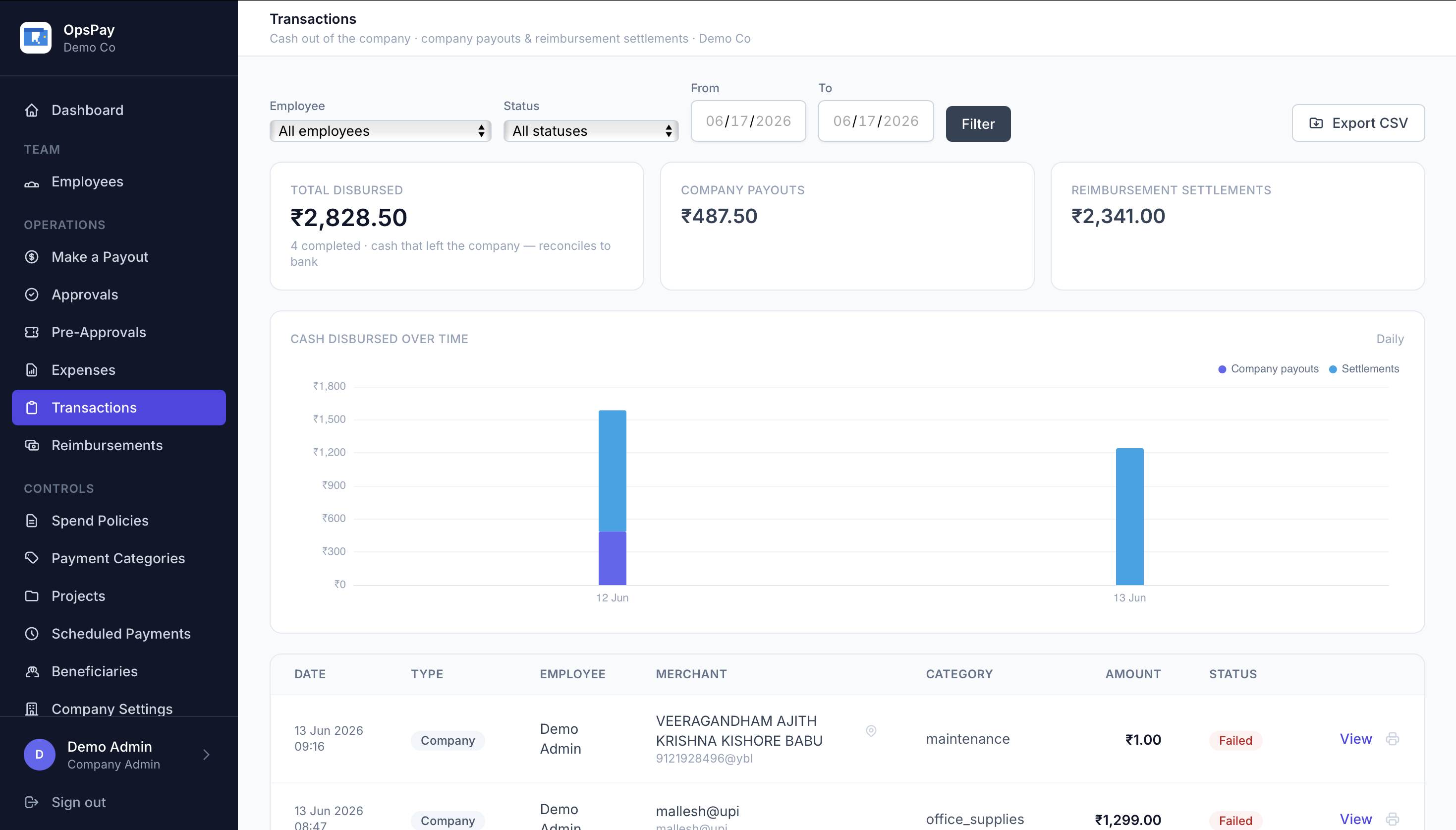
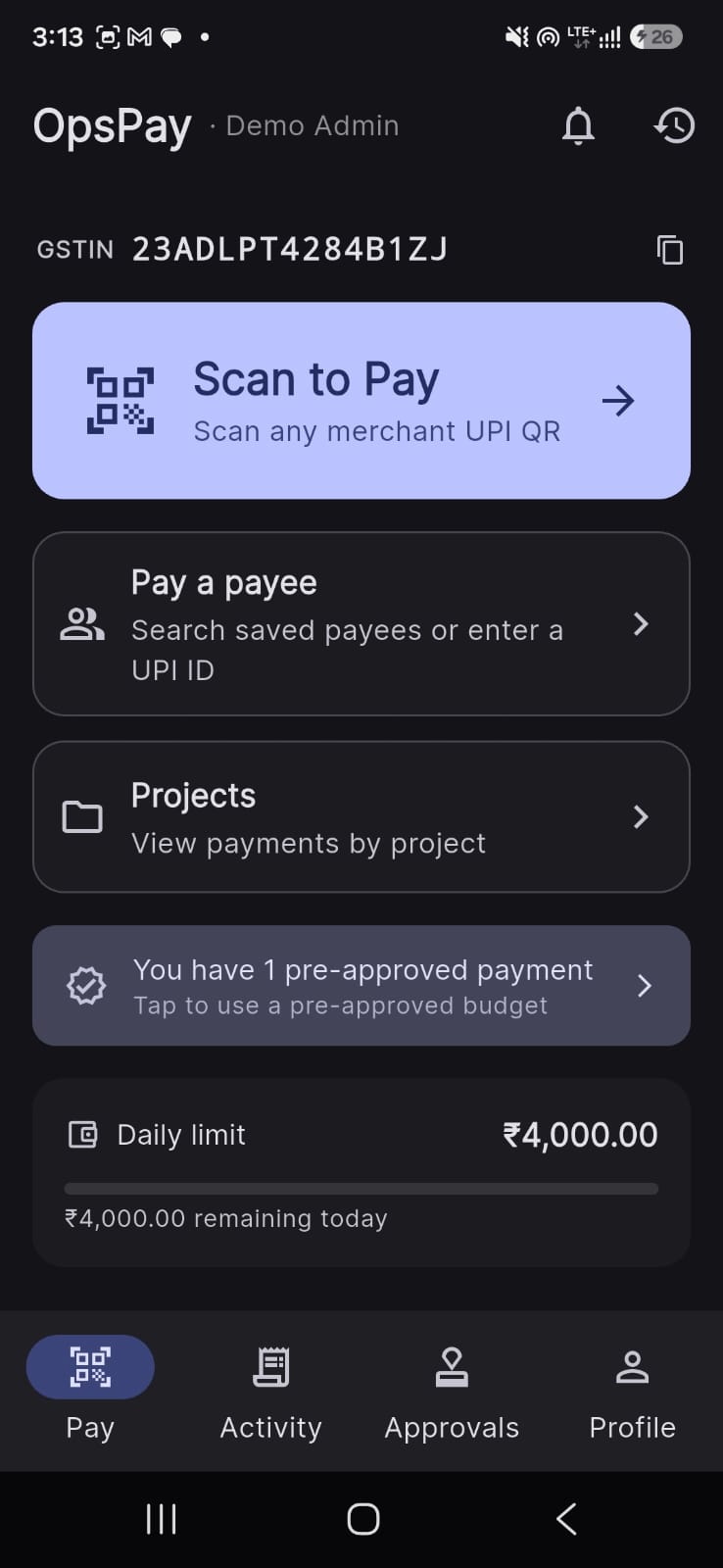
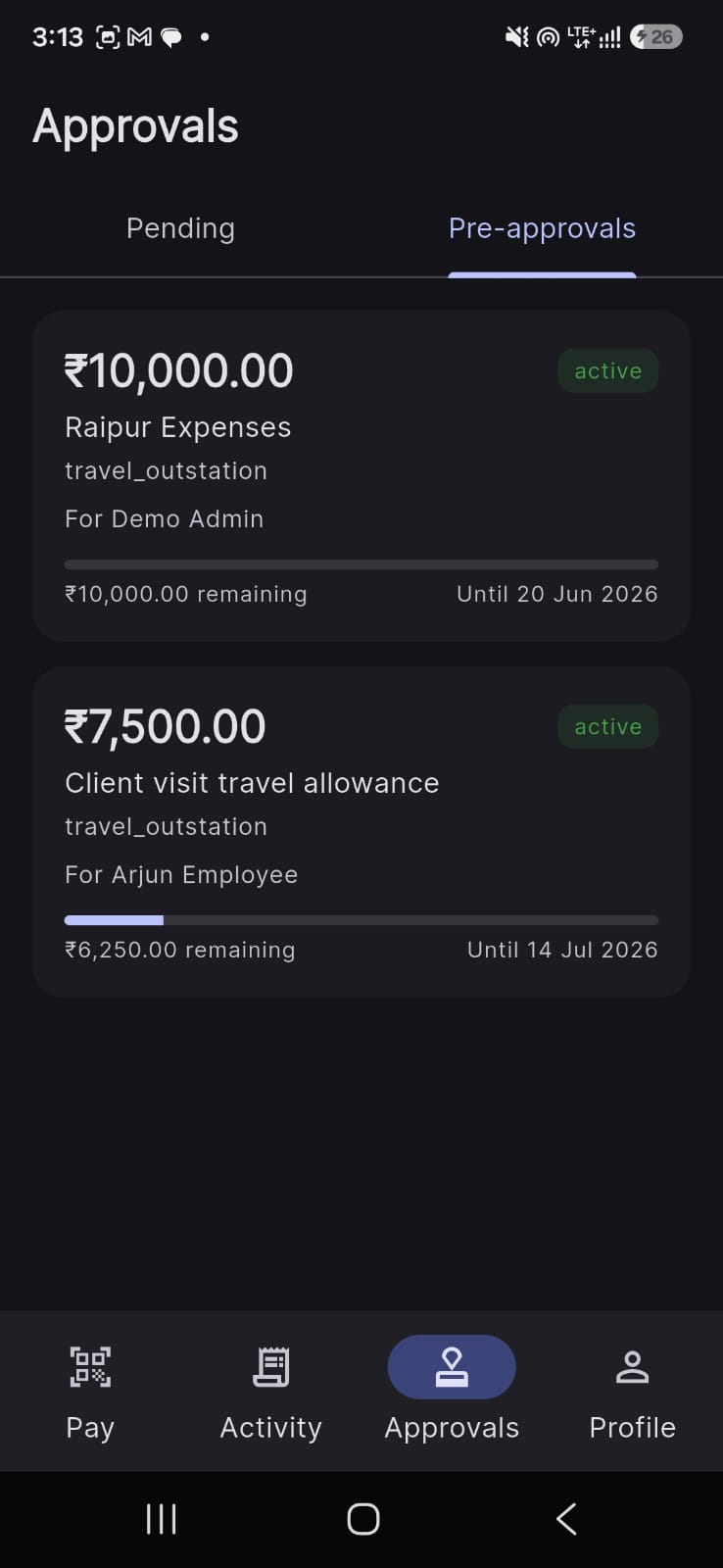
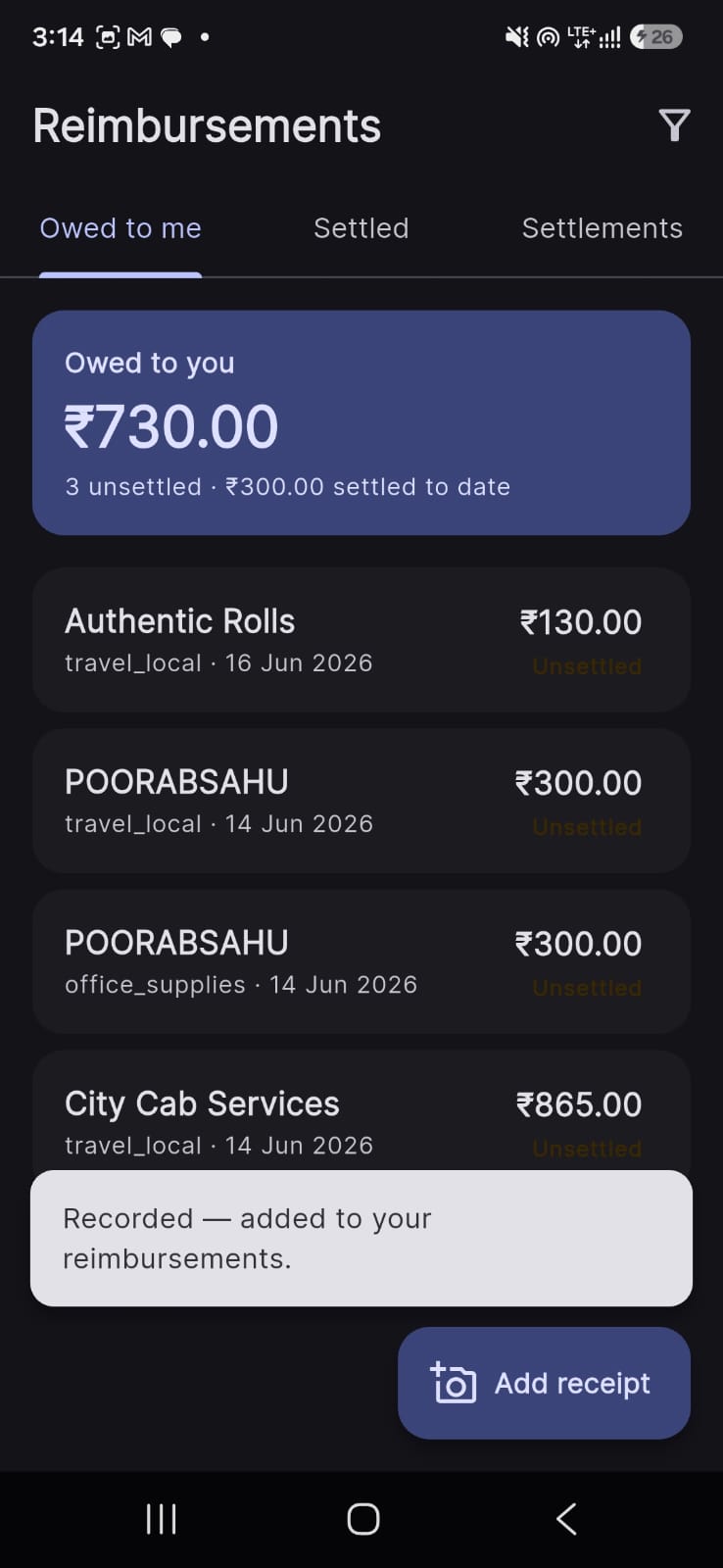
A look inside OpsPay
The admin portal and the mobile app.
Admin portal
Mobile app

One plan, everything included
OpsPay
All features includedEverything you need to reimburse UPI spend.
- Personal UPI spend capture — deep link, shared receipt or manual
- GST invoice & input-tax-credit (ITC) register
- Reimbursement review, approval & resubmit
- Categories, projects & cost attribution
- Real-time dashboards, analytics & CSV exports
- Mobile app + admin portal
Full pricing on the pricing page · 30-day free trial, no card required.